From CAD to BIM: A Migration Playbook for Volume Builders
Why the Migration is Inevitable
Volume builders still relying on AutoCAD face mounting pressure from multiple directions: client mandates requiring BIM deliverables, government regulations demanding digital asset information, insurance requirements for coordinated designs, and competitive pressure from firms already delivering BIM-quality outputs. The question is no longer whether to migrate, but how to do it without disrupting active production.
The Phased Approach
A successful CAD-to-BIM migration follows four phases. Phase one is foundation: creating Revit templates, family libraries, and naming conventions that match the builder's existing product range. Phase two is pilot: running one or two real projects through the new system alongside existing CAD workflows. Phase three is production: transitioning the full project pipeline to BIM with dedicated support. Phase four is optimisation: layering automation, reporting, and configurability onto the established BIM foundation.
Building the Template Library
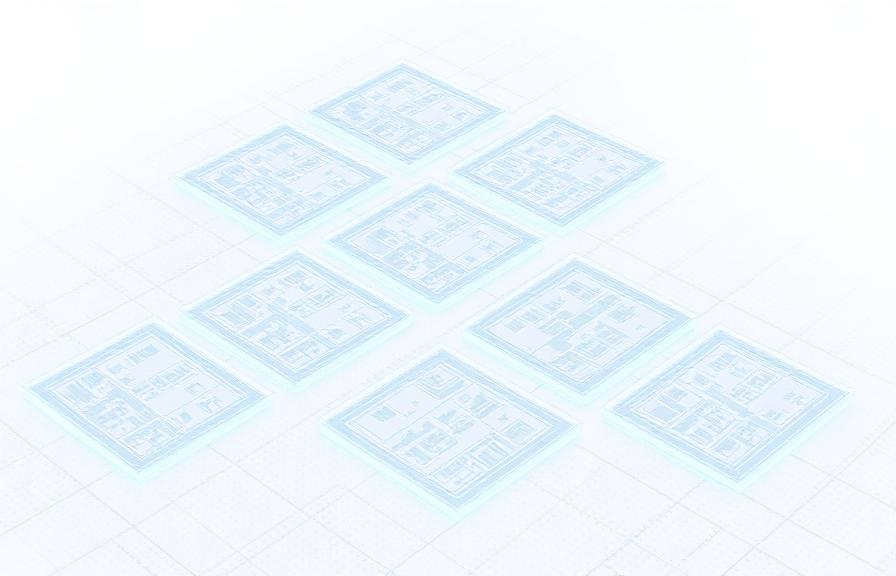
For volume builders, the template library is the single most important migration deliverable. This is not generic content downloaded from the internet. It is a custom-built library of the builder's actual house types, components, specifications, and standard details, modelled to the level of detail required for coordination, documentation, and compliance. The library typically includes master plan templates, housing type templates, standard family libraries for fixtures and fittings, and pre-configured sheet sets.
Change Management and Training
Technology migration fails more often from people resistance than from technical problems. Effective change management requires executive sponsorship, clear communication of the business case, hands-on training delivered in the context of real projects, and a support structure that helps teams through the learning curve. We embed with teams during the transition, providing on-project mentoring rather than classroom-only training.
The Automation Layer
Once the BIM foundation is stable, automation transforms the builder's productivity. Housing generators produce complete models from a configuration set. Automated documentation generates consent drawings, working drawings, and specification schedules from the model with a single command. Compliance checking validates designs against building codes and internal standards before they leave the office. These automations compound: what starts as time savings becomes a strategic advantage that competitors without BIM simply cannot match.
Related case studies

Need help implementing this in your projects?
We build production-grade systems, not theoretical frameworks. Let's discuss your specific challenges.