From Dev to Production: Building Sustainable Revit Add-in Pipelines
Sustainable Revit automation treats tools as software products, not disposable scripts: every tool lives in version control with a clear repository structure, business logic is covered by layered testing, builds and deployments are automated through a CI/CD pipeline, and version-specific API calls are isolated so the same add-in compiles against every supported Revit release. That infrastructure is what keeps tools working when the original developer moves on or a new Revit version ships.
The One-Off Script Problem
Most Revit automation starts as a quick script to solve an immediate problem. It works. People start using it. Then the original developer leaves, the script breaks on a Revit update, and nobody knows how to fix it. This pattern repeats across the industry because teams treat Revit tools as disposable scripts rather than software products. The solution is not to stop writing scripts. It is to build the infrastructure that turns scripts into maintainable, deployable software.
Version Control and Repository Structure
Every Revit tool, from a simple pyRevit button to a complex C# add-in, should live in version control (Git). Repository structure matters: separate source code from build artifacts, maintain a clear folder hierarchy for shared libraries, and use branching strategies that match your team's workflow. For pyRevit extensions, this means structured extension bundles with proper metadata. For C# projects, this means solution files with project references, NuGet package management, and clear dependency tracking.
Automated Testing for Revit Plugins
Testing Revit plugins is notoriously difficult because the API requires a running Revit instance. Production teams solve this with a layered testing strategy: unit tests for business logic that does not touch the Revit API (data transformations, calculations, configuration parsing); integration tests that run inside Revit using test harnesses like RevitTestFramework; and smoke tests that verify basic functionality after deployment. Even partial test coverage dramatically reduces regression bugs and gives developers confidence to refactor.
CI/CD for Revit Add-ins
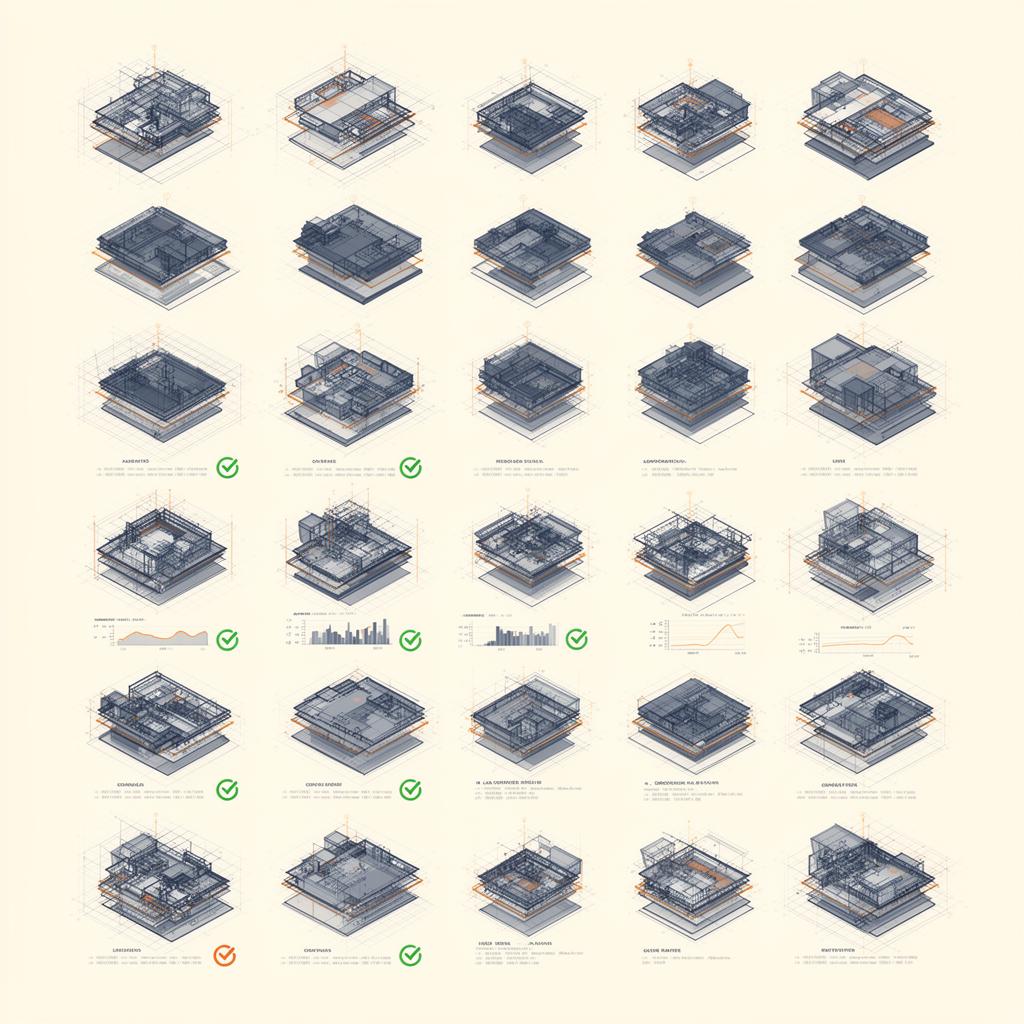
Continuous Integration and Continuous Deployment may sound like overkill for Revit tools, but the principles apply directly. A basic CI pipeline compiles the code on every commit, runs unit tests, and produces a versioned build artifact. A deployment pipeline packages the add-in with the correct manifest files, copies it to a shared network location or installer, and notifies users of the update. Tools like GitHub Actions, Azure DevOps, or even simple PowerShell scripts can automate this entire workflow.
Multi-Version Revit Support
Supporting multiple Revit versions (2023, 2024, 2025, 2026) is one of the biggest maintenance burdens for add-in developers. The Revit API changes between versions, sometimes subtly, sometimes breaking. Production add-ins handle this through conditional compilation symbols, abstraction layers that isolate version-specific API calls, and automated build matrices that compile against each target version. The investment in multi-version infrastructure pays off every year when Autodesk releases a new version and your tools work on day one.
Frequently asked questions
Why do Revit scripts break down as a long-term automation strategy?
Quick scripts solve immediate problems but decay: the original developer leaves, a Revit update breaks the API calls, and nobody knows how to fix them. The fix is not to stop scripting but to add the software infrastructure, version control, testing, and automated deployment, that turns scripts into maintainable products.
How should Revit add-in code be organised in version control?
Every tool, from a pyRevit button to a complex C# add-in, belongs in Git. Separate source code from build artifacts, keep a clear folder hierarchy for shared libraries, and use branching that matches the team workflow. pyRevit extensions need structured extension bundles with proper metadata; C# projects need solution files with project references and NuGet package management.
How do you test a Revit plugin when the API needs a running Revit instance?
With a layered strategy: unit tests for business logic that does not touch the Revit API, integration tests that run inside Revit using harnesses like RevitTestFramework, and post-deployment smoke tests. Even partial coverage dramatically reduces regression bugs and gives developers confidence to refactor.
Is CI/CD worth setting up for Revit add-ins?
Yes. A basic pipeline compiles on every commit, runs unit tests and produces a versioned artifact; a deployment pipeline packages the add-in with the correct manifests, copies it to a shared location or installer, and notifies users. GitHub Actions, Azure DevOps or even PowerShell scripts can automate the whole workflow.
How do production add-ins support multiple Revit versions at once?
Through conditional compilation symbols, abstraction layers that isolate version-specific API calls, and automated build matrices that compile against each target release. The investment pays off every year: when Autodesk ships a new version, tools built this way work on day one.
Related services
Built for
Related case studies

Need help implementing this in your projects?
We build production-grade systems, not theoretical frameworks. Let's discuss your specific challenges.