Too Many Platforms? How to Connect Your AEC Software Stack
Most AEC firms do not have a software shortage. They have a connection problem. Authoring, coordination, room data, reporting and client platforms each hold part of the same project information, so teams re-key it, reconcile it and pay for overlapping licences. The fix is to map where each type of data is created and used, consolidate where tools overlap, and connect the rest through open standards and APIs.
Why do AEC teams end up running so many platforms?
Each tool in an AEC software stack solves a real problem, but different teams bought them at different times, so nobody planned how data moves between them. A typical stack holds an authoring tool for the model, a coordination tool for clashes and issues, a room data tool for the brief, a common data environment for document control, a reporting tool for the dashboard, and whatever the client mandates on their own project. Because nobody designed the stack as a whole, architects, engineers and builders on the same project often log into different sets of tools, each holding its own copy of the same rooms, doors, equipment and issues. A 2025 Australian study in the Journal of Innovation & Knowledge, based on interviews with 23 industry experts, found the same pattern: tools such as BIM, AR and VR are often deployed on their own rather than as connected platforms, and teams using different tools creates inefficiencies even where common data environments are in place. Buying more software has not fixed the underlying problem. Infrastructure Australia's 2025 Infrastructure Market Capacity Report found that 64% of building and construction firms surveyed had invested in digitalisation in the past year, yet the long-term construction productivity trend remains flat and below mid-1990s levels. In Queensland, the state's Productivity Commission found in its January 2026 final report that construction productivity has fallen around 9% since 2018. Licences are easy to buy. Connected information is not.
What does platform sprawl actually cost?
The licence fees are the visible cost, and usually the smallest. The larger costs sit in the gaps between platforms. Re-keying: the same room name, area or equipment code typed into the model, the room data sheet, the schedule and the dashboard, each time with a fresh chance of error. Reconciliation: people spending hours working out which version is current before they can answer a simple question. Stale decisions: reports built from an export that was out of date before the meeting started. Access and onboarding: every new starter and every new consultant needs logins, permissions and training across the whole set. Handover risk: when the same data lives in several places, the asset owner inherits every inconsistency between them. In our delivery experience, most of this cost never appears on a project budget because it is spread across many people in small amounts. It only becomes visible when someone measures how long it takes to answer a question that should take minutes.
How do you map a software stack before changing it?
Start with data, not software. For each type of information that matters on your projects, such as rooms, assets, issues, quantities and approvals, record four things: where it is created, where it is copied to, who reads it, and how it moves between tools. The last column is the one that matters. Every flow falls into one of three groups: connected automatically, exported and imported by hand, or re-typed. The manual and re-typed flows are where the cost and the errors live. Then name one source of truth for each type of data. Room requirements might live in dRofus, geometry in Revit, issues in a coordination platform that supports BCF, and approvals in the common data environment. ISO 19650 sets out the common data environment as the agreed source of shared project information, with managed status for each container. The map shows whether your tools actually work that way, or simply sit next to each other. Map it per role as well as per project. An architect, an engineer and a builder on the same job often use completely different tools, and the handover points between those groups are usually where the worst re-keying happens.
Should you consolidate platforms or connect them?
Both, in different places. Consolidate where two tools hold the same data for the same people. Two issue trackers, two document stores or two dashboards built from the same model are duplication, and retiring one is usually a quick win. Keep specialist tools where they do the job better than a general platform. A room data tool built for healthcare briefs, or a parametric tool for complex geometry, earns its place. The aim is not the fewest logos on a slide. It is the fewest places where someone types the same thing twice. Connect what stays through open standards first and vendor APIs second. buildingSMART's Industry Foundation Classes (IFC) carry model data between authoring tools, and its BIM Collaboration Format (BCF) lets different BIM applications pass model-based issues to each other. Where a vendor offers an API, data can move with more fidelity. Autodesk Data Exchange, for example, shares complete or selective model data across applications through Autodesk Platform Services. Vendor consolidation is changing the picture too, as the major platforms move from files towards cloud-hosted, granular data. That helps, but moving everything onto one vendor's cloud trades sprawl for dependency. Open standards keep your exit options open.
What does a connected stack look like on a live project?
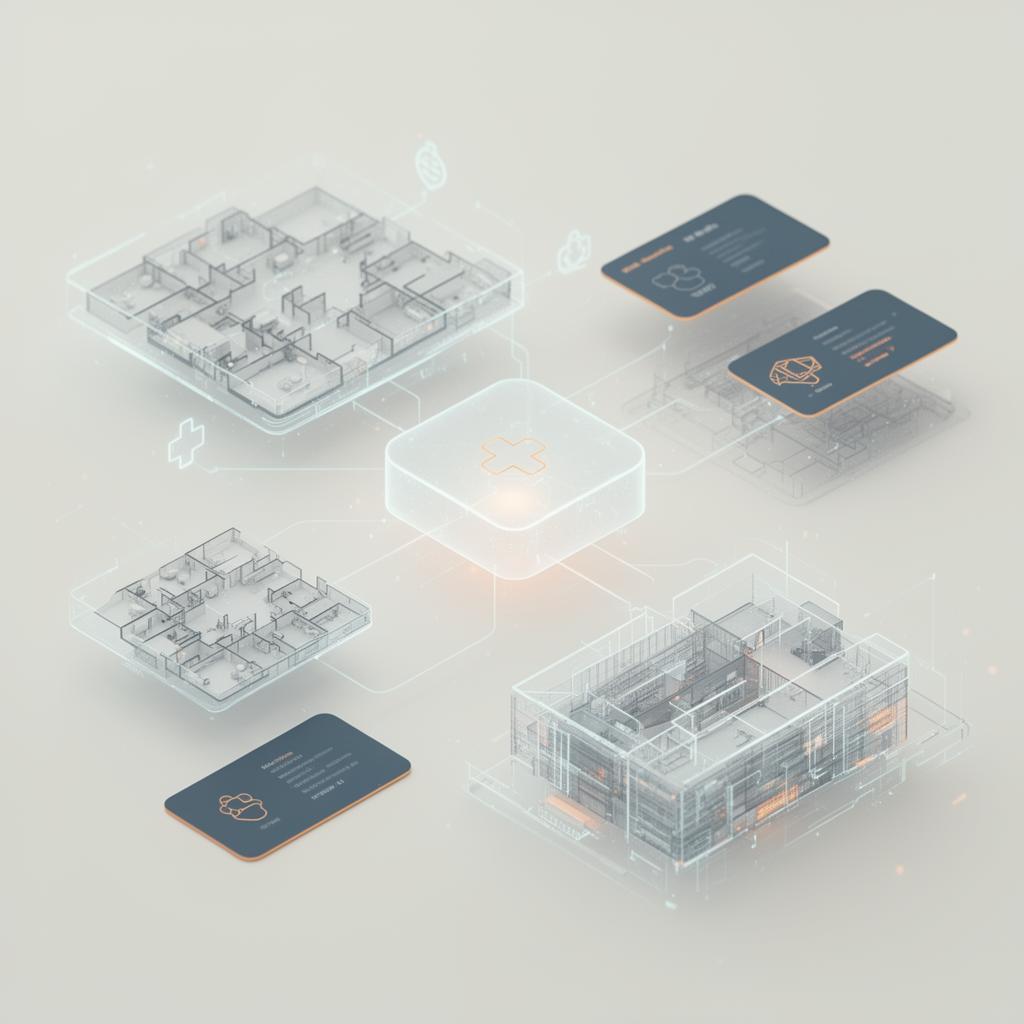
On a major hospital project in Victoria, GIRIH X built tools that cross-check dRofus brief data against the design models and feed Power BI dashboards showing compliance gaps, with room data validated against the Australian Health Facility Guidelines. Model data moves through Autodesk DataExchange, and a specialist AI assistant answers project-specific design questions. Compliance checks that took days of manual cross-referencing became continuous. On a large Public Private Partnership hospital programme, we connected live Revit room data, dRofus, state-issued brief particulars, validated equipment lists and structured stakeholder input into a single source of truth. On the same programme, bespoke Revit add-ins and DataExchange flows audit more than 25 heavy models on a schedule against a master template, so model health is always visible to leads instead of being discovered at the next issue. In both cases the design teams kept the tools they already used. What changed was how information moved between them.
Where should a firm start?
Pick one data flow that hurts, not the whole stack. Good candidates are the flows people already complain about: room data between the brief and the model, issues between coordination and site, or the weekly report someone rebuilds by hand. Connect that one flow, measure the hours and errors before and after, and use the result to decide what comes next. Until the map is done, hold off buying a new platform to fix the gaps between the old ones. Another tool without a connection plan is another island. If you want a second view of your own stack, a Delivery Diagnostic is a short, structured way to map it with us before committing to any new software.
Frequently asked questions
What is a software stack in AEC?
An AEC software stack is the full set of platforms a firm or project team uses to create, coordinate, store and report on project information. It usually includes authoring tools such as Revit or Rhino, coordination and issue tools, a common data environment, specialist data tools such as dRofus, and reporting tools such as Power BI. A stack works well when information moves between these tools without being re-typed.
Is it better to run everything on one platform?
Not always. A single platform reduces logins and duplication, but it rarely does every specialist job well and it increases dependence on one vendor. Most firms are better served by consolidating duplicate tools, keeping the specialist ones that earn their place, and connecting everything through open standards and APIs.
Which open standards help connect AEC software?
The main ones come from buildingSMART: Industry Foundation Classes (IFC) for exchanging model data between applications, and the BIM Collaboration Format (BCF) for passing model-based issues between tools. ISO 19650 sets out how shared information is managed in a common data environment. Together they let teams connect tools without being locked into a single vendor.
Do we need custom software to connect our tools?
Often not at first. Many platforms already offer connectors or APIs, such as Autodesk Data Exchange for sharing model data across applications. Custom add-ins or scripts become worthwhile where no connector exists, or where data needs checking on the way through, for example validating room data against a brief before it reaches a dashboard.
How do you know if integration is working?
Measure the work it should remove. Track how often data is re-typed or exported by hand, how long it takes to answer a routine project question, and how many errors are found at reviews and handover. If those numbers fall after a flow is connected, the integration is paying for itself.
Related case studies

Need help implementing this in your projects?
We build production-grade systems, not theoretical frameworks. Let's discuss your specific challenges.