Design Automation in AEC: A Blueprint for Production-Grade Pipelines
Most AEC teams confuse one-off scripts with design automation. A production-grade automation pipeline is a governed system: source-controlled tooling, predictable inputs and outputs, version compatibility, deployment infrastructure, and an ROI threshold that decides what gets built. This blueprint covers the four automation tiers, the Dynamo / pyRevit / C# / APS decision tree, the governance layer, and the failure modes that quietly stall internal automation programmes inside large practices and contractors.
What design automation actually means in AEC
Design automation in AEC covers any system that removes repetitive, rule-driven, or error-prone work from human hands and gives it to deterministic code. That includes parametric design definitions, scripted modelling pipelines, automated documentation, model audit routines, data extraction and reporting, fabrication-ready outputs, code compliance checks, and integrations between authoring tools and downstream systems. It does not include AI for the sake of AI. The defining quality is that the same input produces the same output, predictably, at scale.
The four tiers of AEC automation
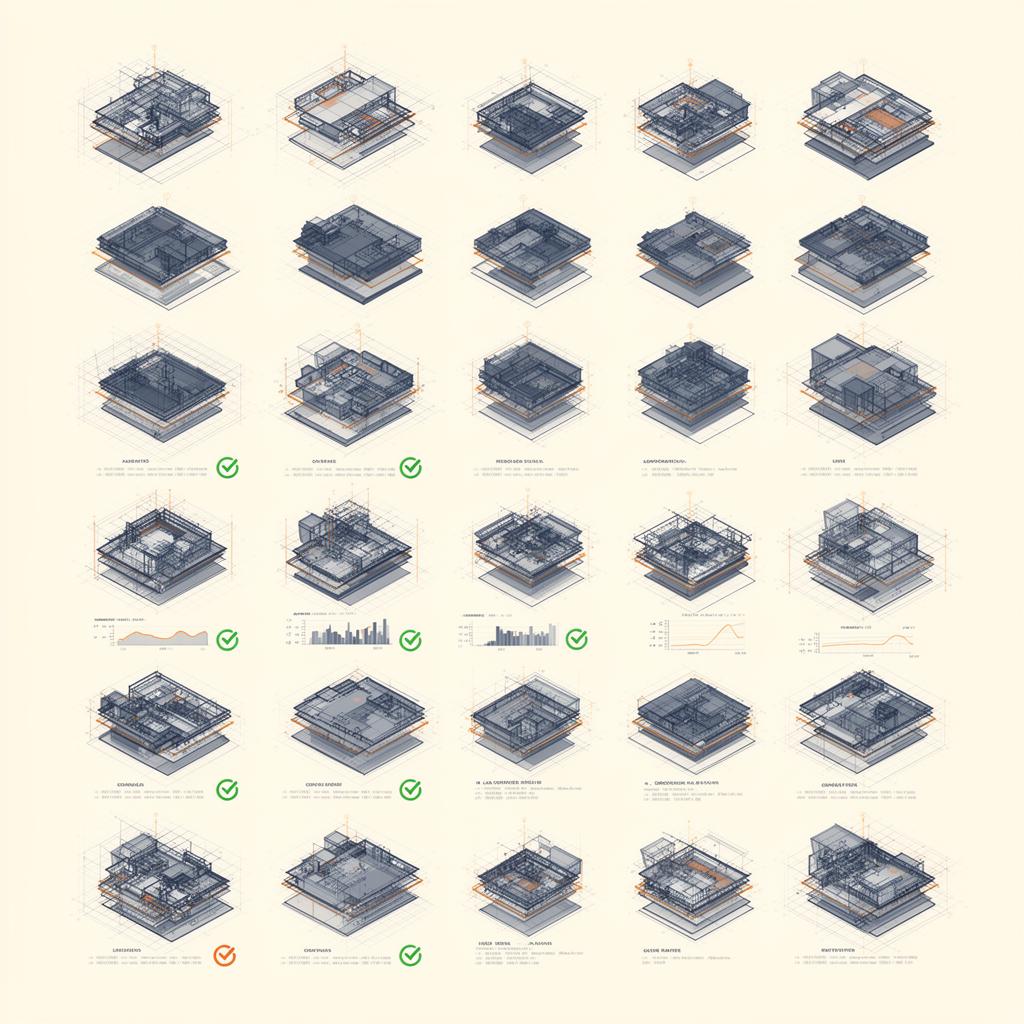
We separate AEC automation into four tiers. Tier one is the personal script: a quick Dynamo graph or Python utility that one person uses on one project. Tier two is the shared script: a documented tool that a team can run, usually with light governance. Tier three is the studio tool: a versioned, multi-user, multi-project capability with ownership, documentation and a release cadence. Tier four is the platform: an integrated system that connects authoring tools, the CDE, internal databases, and downstream consumers (procurement, fabrication, asset operations). Most teams have plenty of tier one and almost no tier three or four. That gap is where the real productivity lives.
Choosing the right toolchain: Dynamo, pyRevit, C# and APS
The toolchain decision matters more than most teams realise. Dynamo is the right starting point for visual scripting against Revit when speed of authoring matters and the audience is non-developers. pyRevit is the right choice when you need ribbon-level deployment, hundreds of small commands, and rapid iteration in Python, with a known path to scaling into compiled code. C# against the Revit API is the right choice when the tool needs proper IDE support, performance on heavy element traversals, attach-to-process debugging, and a long maintenance horizon. Autodesk Platform Services (APS) is the right layer when work has to happen outside the desktop authoring tool, in the cloud, against derivatives of the model or against the design data. Picking the wrong tier of toolchain for the job is the single most common technical reason internal automation programmes stall.
Governance: what separates a script from a pipeline
A production-grade automation pipeline has six governance attributes. It lives in source control. It has documented inputs, outputs and assumptions. It has a clear owner. It has a release cadence and a version compatibility matrix (which Revit, Rhino, OS, plugin versions). It has a deployment route (pyRevit extension, MSI, network share, APS app). And it has a rollback story when it goes wrong on a live model. Most one-off scripts have none of these. Most studios that scale automation successfully treat these six attributes as non-negotiable.
The ROI threshold that decides what gets built
Not every repetitive task deserves automation. The crude rule we use is the four-times rule: a task is worth automating when it will be performed at least four times across the project portfolio in a calendar year by users who would otherwise lose more total time than the build will take, accounting for testing, deployment and maintenance. Below that threshold, you are usually better off improving templates and standards. Above it, automation pays back fast. Above twenty times a year, automation is no longer optional; not automating is the cost.
AI in the automation pipeline: where it actually fits
AI does not replace deterministic automation; it complements it. We treat AI in AEC pipelines as a specialist layer that sits on top of a clean, structured information base. Examples that work in production today: AI compliance agents that read regulations and validate models against rules; retrieval-augmented generation systems that answer project-specific questions grounded in the project's own documents; document classification and extraction; and pattern recognition on point clouds and progress imagery. Examples that fail in production: free-form generative design with no guardrails, AI as a replacement for documentation review, and any AI workflow that depends on data the team has not invested in cleaning first.
The build / buy / partner decision
Not every capability needs to be built in-house. The framework we use: build when the capability is a competitive differentiator, the IP value is high, or the integration with internal systems is deep. Buy when a vendor solution is genuinely fit for purpose and the cost of integration is lower than the cost of the build. Partner with a specialist studio when the capability needs depth your team does not have and is not interested in growing in-house. Most large practices end up with a mix, and the mistake is treating the decision as ideological rather than commercial.
How an automation programme typically fails
The failure modes are remarkably consistent across studios and contractors. The first is the hero developer who builds excellent tools but documents nothing, then leaves. The second is the proliferation of unowned scripts that each work in isolation but together create a maintenance nightmare. The third is the failed enterprise platform: an ambitious tier-four programme that tries to land everything at once without a working tier-three habit underneath it. The fourth is the AI distraction: chasing generative pilots before fixing the underlying data and tooling that make them possible. All four are avoidable. None of them are about the tools.
What a credible six-month automation programme looks like
In the first month, stand up source control, agree the toolchain matrix, and identify the top ten repetitive tasks by aggregated annual hours. In months two and three, build the highest-ROI three to five tools as tier-three capabilities, with documentation, owners and a deployment route. In months four and five, deploy across the team, measure adoption, and harden the tools against real-world inputs. In month six, evaluate whether a tier-four platform investment is justified by the adoption and the gaps. The output of six months should be a measurable hours saved per user per week number, not a slide deck.
Frequently asked questions
When is Dynamo the right answer?
When the audience is non-developers, the task is geometry-heavy, the iteration speed matters more than long-term performance, and the tool will live on a small number of projects. Dynamo is excellent at making algorithmic thinking visible to designers and engineers. It is the wrong tool when you need ribbon-scale deployment, multi-version Revit support across hundreds of users, or compiled-code performance.
When is pyRevit the right answer?
When you need to ship dozens or hundreds of small commands inside a clean Revit ribbon, iterate fast in Python, and deploy across a team without packaging an installer for every release. pyRevit also gives a clean upgrade path to C# through its invoke pattern when a tool needs to grow.
When should we move to C# against the Revit API?
When the tool will be used by many users for many years, needs proper IDE support and debugging, has to perform well on heavy element traversals, or depends on libraries that only the .NET ecosystem provides. C# is the right home for any tool that has become business-critical.
Where does Autodesk Platform Services fit?
APS is the right layer when work has to happen outside the desktop, in the cloud, against the design data or derivatives. Typical uses include automated model checking pipelines, integrations with internal systems, custom viewer applications, and data lakes built on top of the model. APS is not a replacement for desktop automation; it sits alongside it.
How do we justify automation investment to leadership?
Measure aggregated annual hours per task before and after, then convert into recovered fee margin. The narrative that lands is recovered margin, not abstract productivity. A tool that saves a senior modeller four hours a week across twenty users pays back its build cost within a quarter on most fee structures.
Is AI replacing design automation?
No. AI is an additional layer that sits on top of deterministic automation, not a replacement for it. Teams that invest in AI without first cleaning their data and standardising their tooling are buying chaos at a higher price. The teams that get value from AI are the ones with a working automation discipline underneath.
Related services
Related case studies


Need help implementing this in your projects?
We build production-grade systems, not theoretical frameworks. Let's discuss your specific challenges.