Data Centre Design Automation: From Hot/Cold Aisle Layouts to Fully Coordinated MEP
Data centre design is repetitive enough to automate and dense enough to demand it. Generative aisle and rack layouts, parametric MEP routing and automated documentation pipelines compress weeks of manual production into hours, while keeping architecture, mechanical, electrical, fire, security and ICT in one coordinated model.
Where automation actually pays back
Data centre fitouts repeat the same building blocks at scale: data halls, hot aisle and cold aisle containment, rack rows, PDU and busway runs, cable tray networks, fire suppression zones, BMS sensors and security devices. That repetition is exactly where automation pays back. Bespoke Revit and pyRevit tooling, Dynamo graphs and Grasshopper definitions turn variant generation, schedule production and documentation into governed pipelines rather than manual production work.
Generative hot aisle and cold aisle layouts
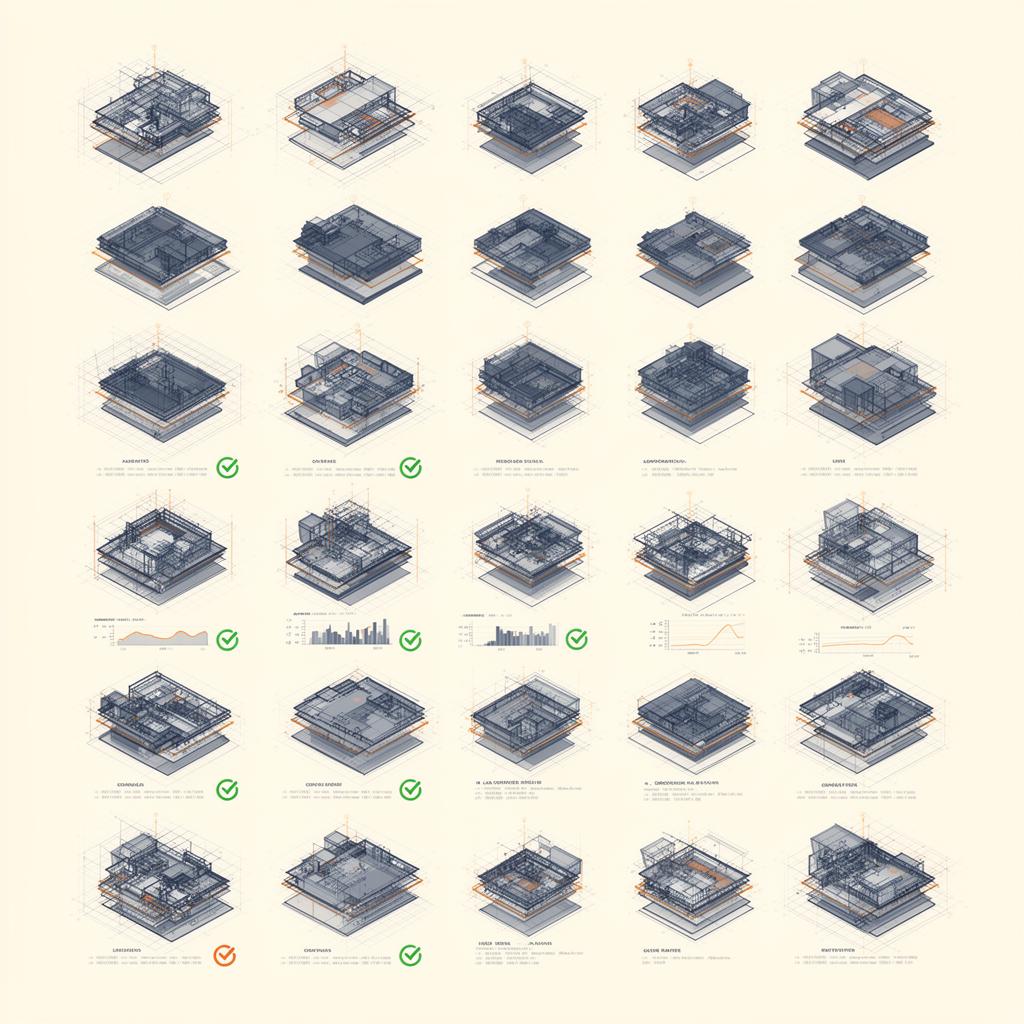
Aisle layouts are driven by IT load, cooling strategy, rack density, containment type and clearance rules. We build parametric generators that take those inputs and produce candidate layouts directly in Revit or Rhino.Inside.Revit, with rack rows, containment, hot aisle and cold aisle zoning, PDU placement and overhead containment pre-resolved. Designers compare options against capacity, PUE and maintenance access rather than manually setting out racks one by one.
Fully coordinated MEP, fire, security and architecture
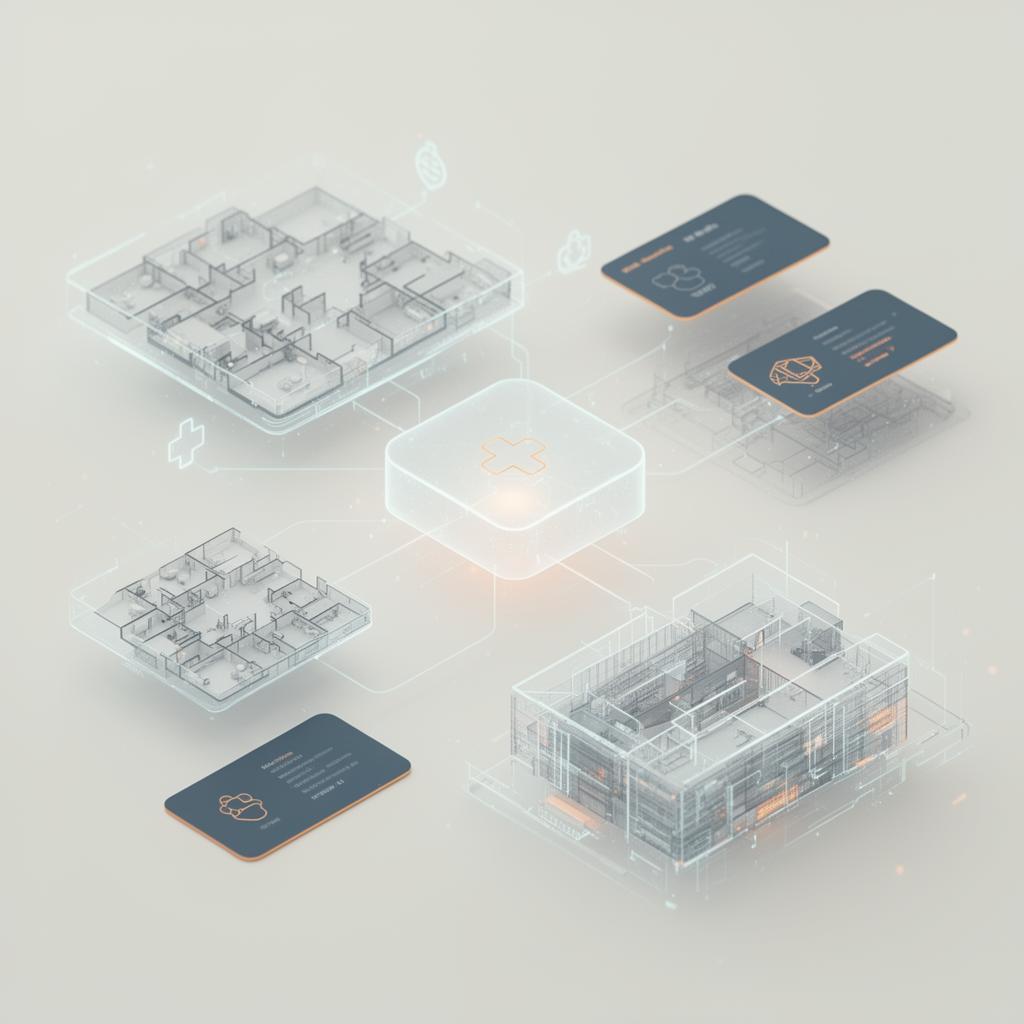
Aisle automation only earns trust when it lands in a coordinated multi-discipline model. Cable tray, busway and conduit routes are generated against structural and architectural constraints. Mechanical CRACs and CRAHs, chilled water reticulation, fire suppression piping, security cameras and access control devices, and ICT containment are all federated with architecture in one model from day one. Coordination is continuous, not a late-stage exercise.
Automated documentation and schedules
Once the model is parametric, documentation becomes a downstream pipeline. Sheets, schedules, room data, rack elevations, single line diagrams and equipment lists are produced from the model with custom Revit add-ins and pyRevit toolbars. Changes propagate automatically. Manual sheet keep-up, the largest hidden cost in data centre documentation, collapses into a quality review of generated outputs.
Precast and modular component automation
On builds that use precast envelopes or modular plant rooms, we automate panel and module design and shop documentation. Parametric families, automated tagging, schedule generation and clash-aware setting-out plug into the same coordinated model, removing the manual handoff between the design model and fabrication outputs.
Governance, not heroics
Automation only scales when it is governed. We deliver tooling with documentation, version control, training and a clear handover so the client team can operate it independently. The goal is a repeatable design automation capability inside the project, not a dependency on individual scripts maintained by individual people.
Frequently asked questions
Does this work on live projects or only greenfield?
Both. We routinely retrofit automation into live projects: targeted Revit add-ins, pyRevit toolbars and Dynamo graphs that absorb the highest-volume manual tasks first, then expand into generative layout and documentation pipelines as the project allows.
Which authoring platforms do you target?
Primarily Revit and Rhino, with Rhino.Inside.Revit, Dynamo, pyRevit, C# Revit add-ins, Grasshopper and Autodesk Platform Services for connected workflows. Tooling is matched to the client's existing platform rather than forcing a migration.
Where does automation pay back fastest on data centre projects?
In the repetition: data halls, hot aisle and cold aisle containment, rack rows, PDU and busway runs, cable tray networks, fire suppression zones, BMS sensors and security devices repeat the same building blocks at scale, which is exactly where bespoke Revit and pyRevit tooling and Dynamo graphs return their investment.
How are hot aisle and cold aisle layouts generated?
Parametric generators take IT load, cooling strategy, rack density, containment type and clearance rules as inputs and produce candidate layouts directly in Revit or Rhino.Inside.Revit, including rack rows, containment, aisle zoning and PDU placement, so options can be compared against the drivers rather than drawn by hand.
How does automated aisle design stay coordinated with MEP, fire and security?
Generated layouts land in a coordinated multi-discipline model: cable tray, busway and conduit routes are generated against structural and architectural constraints, alongside mechanical CRACs and CRAHs, chilled water reticulation, fire suppression piping, security devices and ICT containment. Documentation, schedules, rack elevations and equipment lists are then produced from the same parametric model, and governance, documentation, version control and training make the capability operable by the client team.
Built for
Related case studies
Need help implementing this in your projects?
We build production-grade systems, not theoretical frameworks. Let's discuss your specific challenges.